

Videos
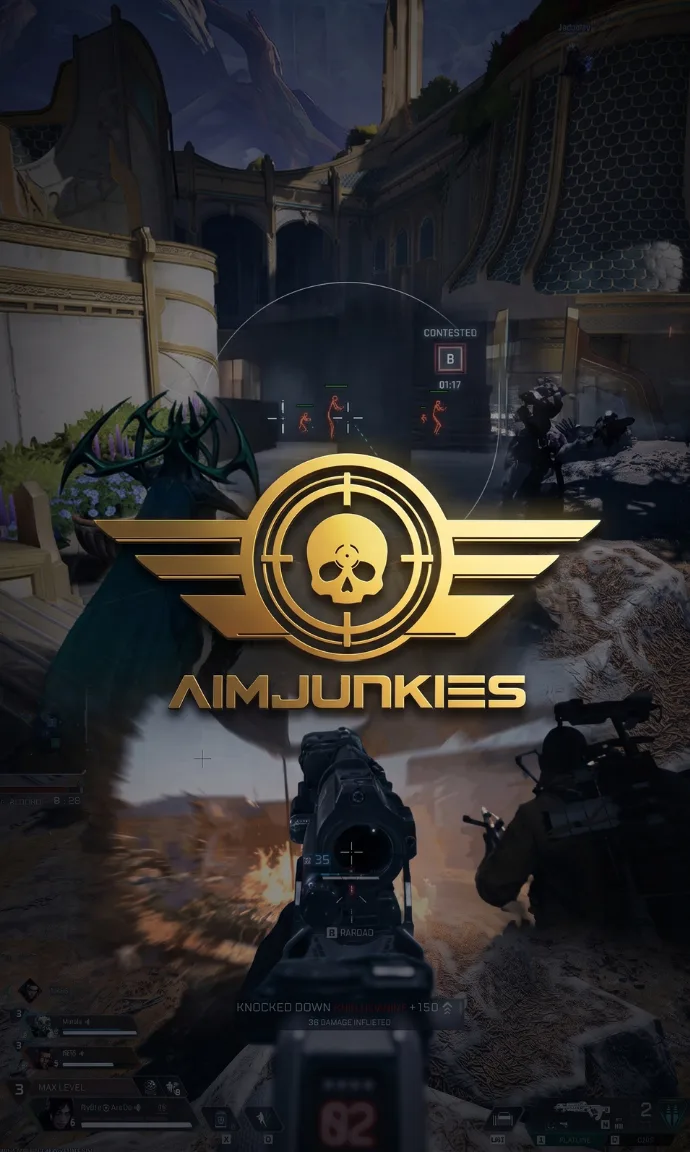
Upload to YouTube (public or unlisted), then paste the link inside a media tag:
Screenshots
Upload the picture to an image host (for example postimages.org) and paste the link. If it does not show inline, the link still works.
Before you post
Upload to YouTube (public or unlisted), then paste the link inside a media tag:
[media]https://youtu.be/your-video-id[/media]Screenshots
Upload the picture to an image host (for example postimages.org) and paste the link. If it does not show inline, the link still works.
Before you post
- Put the game in the title, for example "ARC Raiders: 3 kills in one raid".
- Crop out your username, your license key and anything that identifies your account.
- No clips of other players' personal details or doxxing, ever.