



 AimJunkies



Hey everyone,
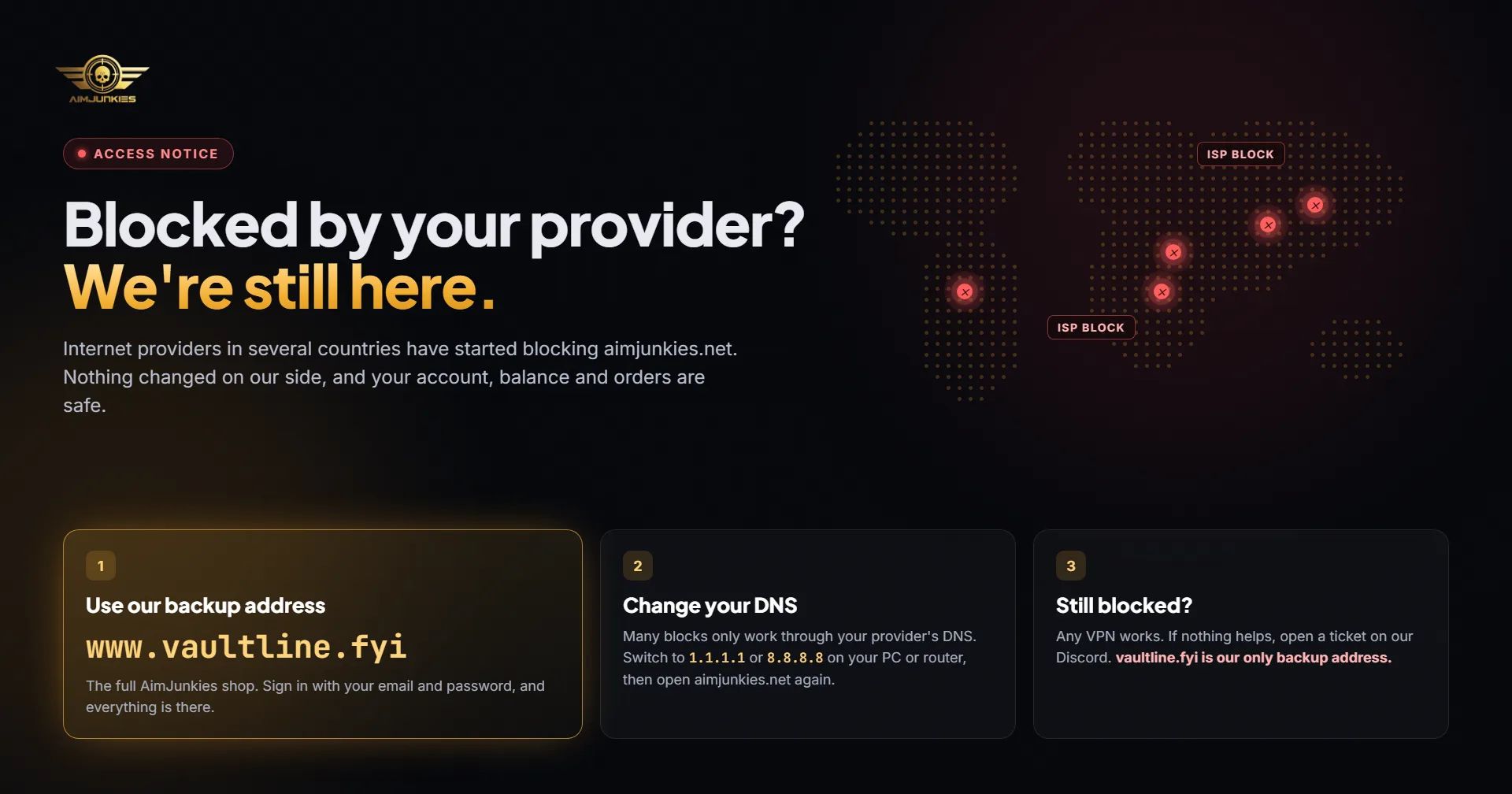
Over the last few days, some internet providers in several countries have started blocking aimjunkies.net. If the site suddenly stopped loading for you, or you get a timeout or a "site can't be reached" page, that is almost certainly your provider and not us. Nothing changed on our side. Your account, balance, keys, licences and orders are all safe.
1. Use our backup address: www.vaultline.fyi
https://www.vaultline.fyi is the full AimJunkies shop, run by us on the same servers. It has the same account, the same balance and the same orders, so you don't need to register again.
- Sign in with your email and password.
- Google, Discord and passkey sign-in don't work on the backup address yet. If you never set a password, open a ticket on Discord and we'll help you in.
- The forum and the bot dashboard stay on their usual addresses for now. We're working on backup addresses for them too.
2. Change your DNS (often fixes the main address)
Many of these blocks only work through your provider's DNS. Switching to a public DNS often brings aimjunkies.net back:
- Windows: Settings → Network & Internet → your connection → DNS server assignment → Edit → Manual → set 1.1.1.1 and 1.0.0.1 (or 8.8.8.8 and 8.8.4.4).
- Chrome / Edge / Firefox: turn on Secure DNS (DNS over HTTPS) in the browser's privacy settings and choose Cloudflare or Google.
- Router: set the same DNS in your router to fix every device at home.
3. Still blocked?
Any VPN works. If none of this helps, open a ticket on our Discord (discord.gg/aimjunkies) and tell us your country and provider. That helps us track where the blocks are.
Stay safe
vaultline.fyi is our only backup address. If we ever add another one, we will announce it here and on Discord first. Ignore any other "AimJunkies" link sent to you in DMs or emails. Copies of a site are a common way to steal accounts.
Thanks for sticking with us,
— the AimJunkies team